ORelay for
Fix your parents’ computer from your phone
You are the one the family calls when the printer stops, the computer “is being weird”, or a pop-up says it is infected. ORelay puts their computers on your phone. Most calls end in a minute, with no drive over and nobody’s computer taken away.
Sound familiar?
- “The printer isn’t working.”
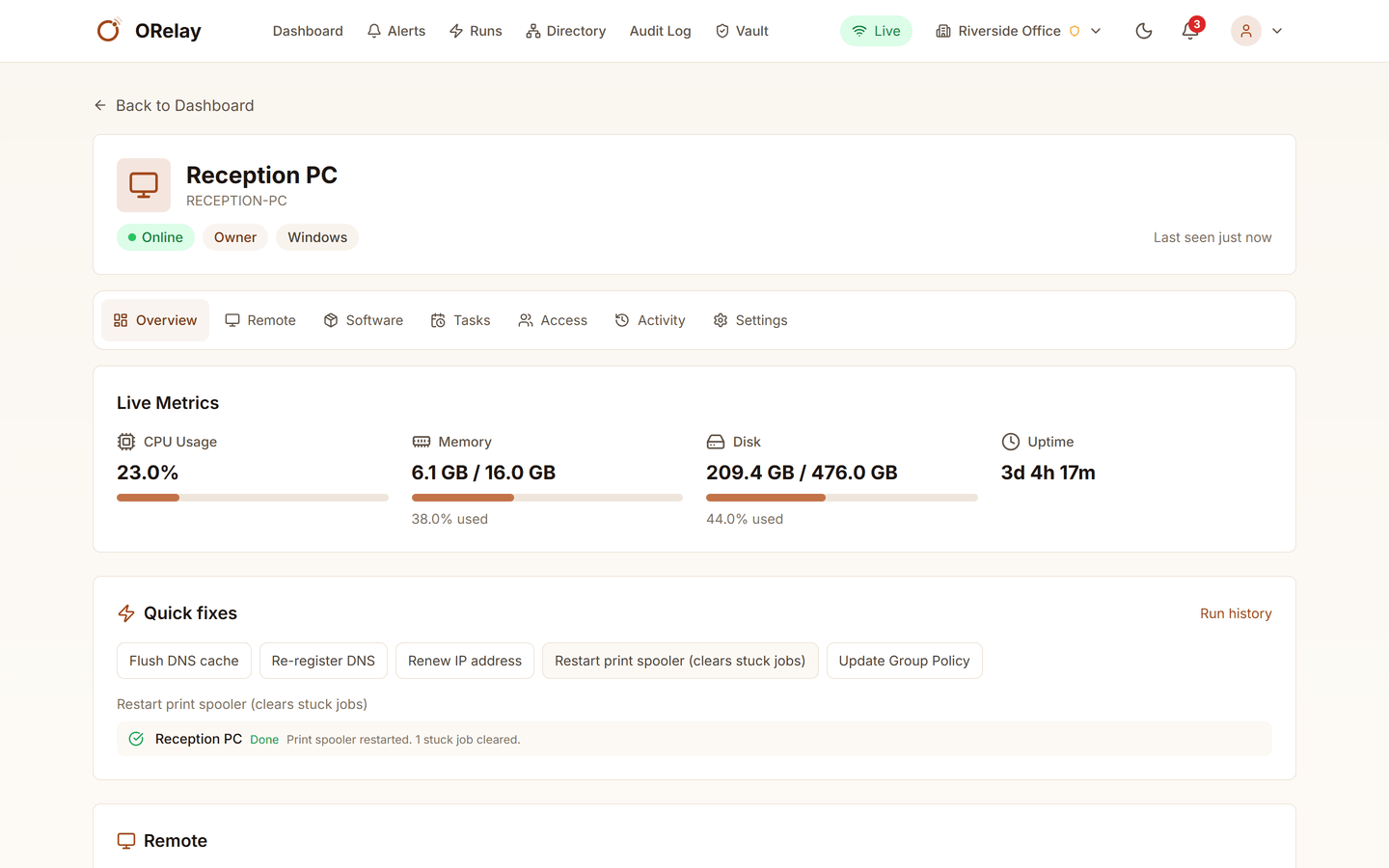
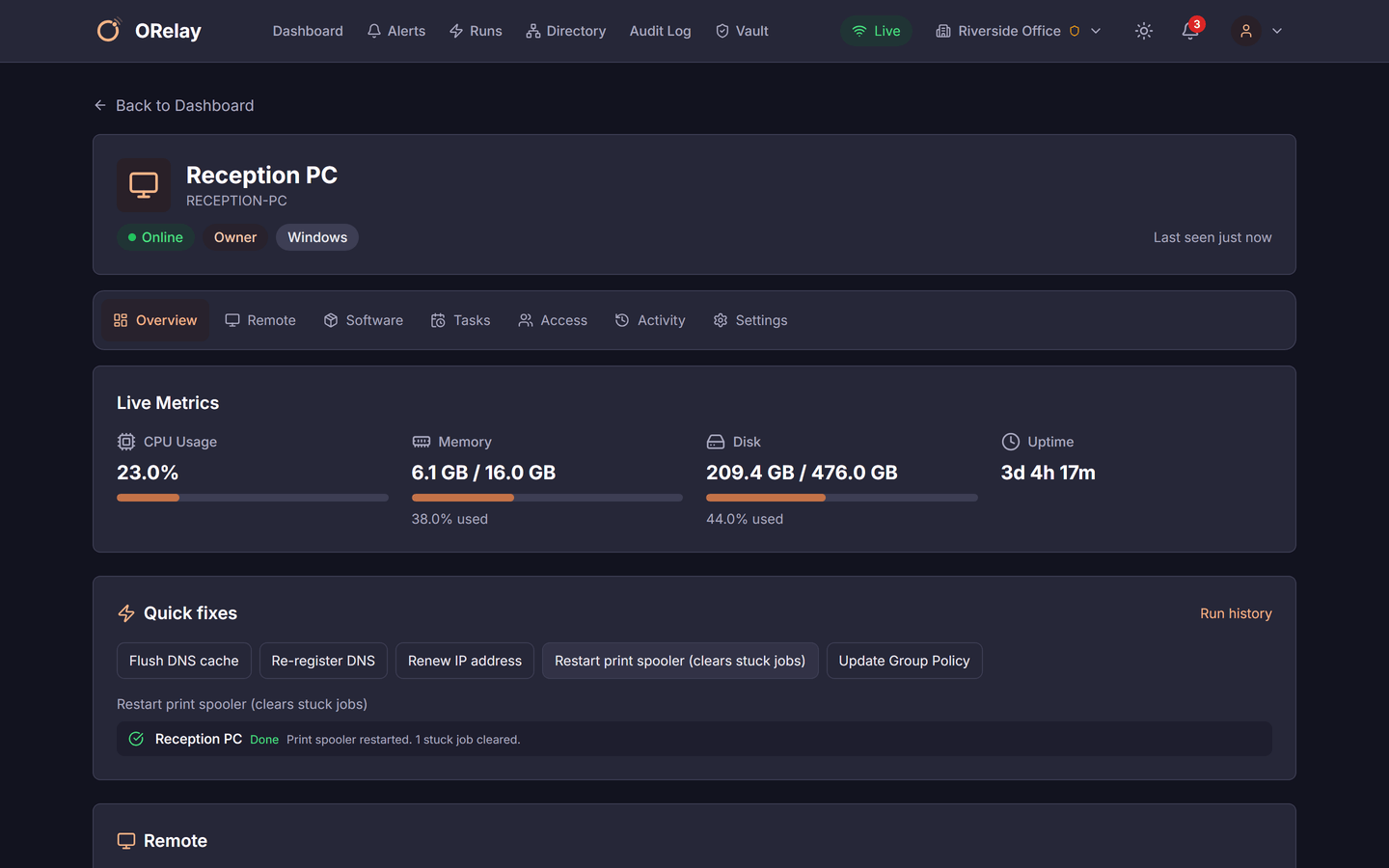
- Nine times out of ten the spooler is stuck. One tap on your phone restarts it and tells you it cleared the jobs.
- “It’s so slow.”
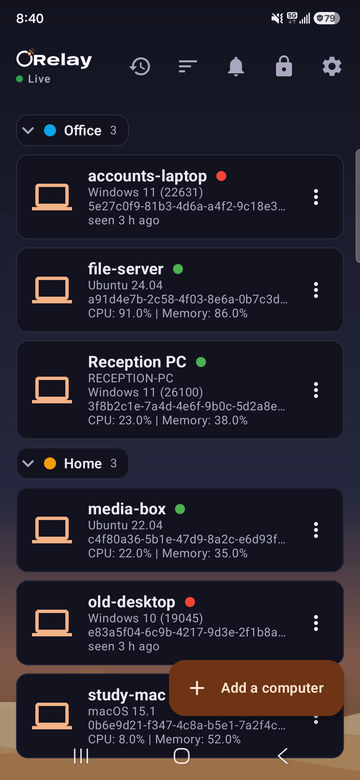
- See the processor, memory and disk right now, and whether the disk has been full for a month, before you guess.
- “A box says I have a virus.”
- Open the screen, see the box for yourself, close it, and show them what a real warning looks like.
- “Is it on?”
- You know before you call. If it has not checked in since Tuesday, somebody unplugged it.
How it goes
Install it once
On a visit, or over the phone: they run the installer, and either you scan the code it shows with the ORelay app or they read you a short code. From then on their computer is in your list, with a name you chose.
They stay in charge
The ORelay window on their computer shows exactly what you may do: see the screen, control it, run commands, move files, change power. They can switch any of it off, or all of it, and no remote user can switch it back on. Every screen session starts view-only; taking control is a separate step, and they see it happen.
Fix most things without the screen
The quick fixes are the calls you get most: restart the print spooler, flush the DNS, clear temporary files, restart the computer. Each one runs, says what it did, and goes in the log. For the rest there is a command window, the files, and the screen itself, from the phone or a browser.
Hear about it before they do
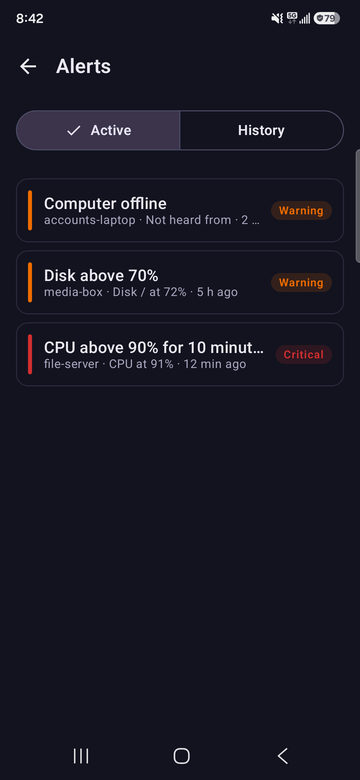
An alert when the disk passes 90%, when a computer stops checking in, or whatever you set, by e-mail or a notification on your phone. The disk gets cleared on a Sunday afternoon instead of during a Tuesday-night call.


What it costs
Free, with no time limit, for up to 5 computers: theirs, your aunt’s, and your own.
If the family grows past five, Pro is $20 a month for 50 computers and 3 people, so your sister can help too. There is no commercial-use detector deciding that helping your dad looks like work.
What it is not
- It is not a way in behind their back. The ORelay window on their computer shows what you can do, and they can switch it off.
- It is not antivirus, and it does not patch Windows. It is the way you see what is going on and fix it.
- A computer that is switched off cannot be reached. ORelay tells you it is off, which is usually the answer.
- On Windows and Mac the window and the code are there today; on Linux the same switches are set from the command line.
Using something else today? How ORelay compares with Chrome Remote Desktop and TeamViewer.
Looking after an office’s computers · Everything ORelay does