ORelay for
Look after the office’s computers without an IT department
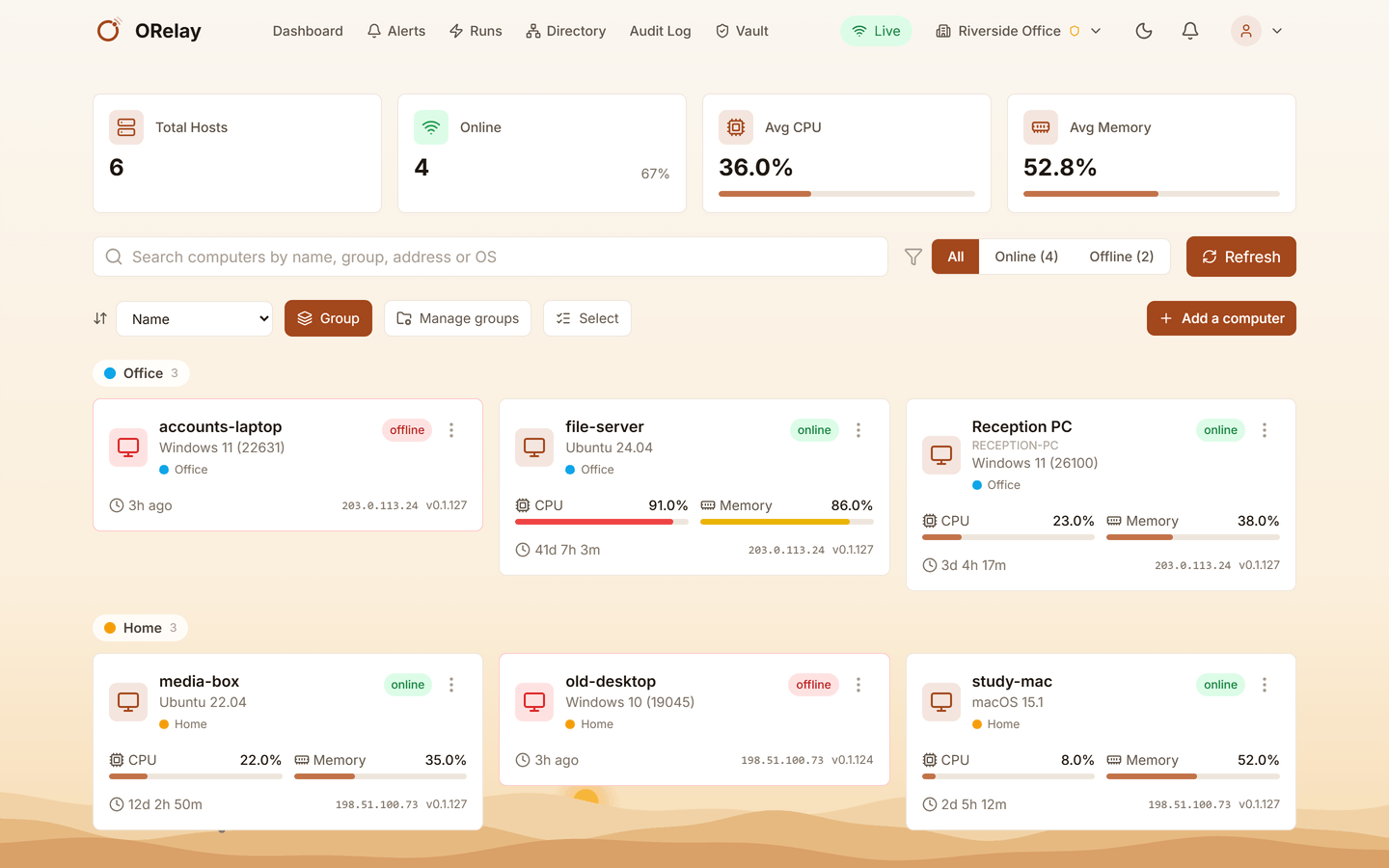
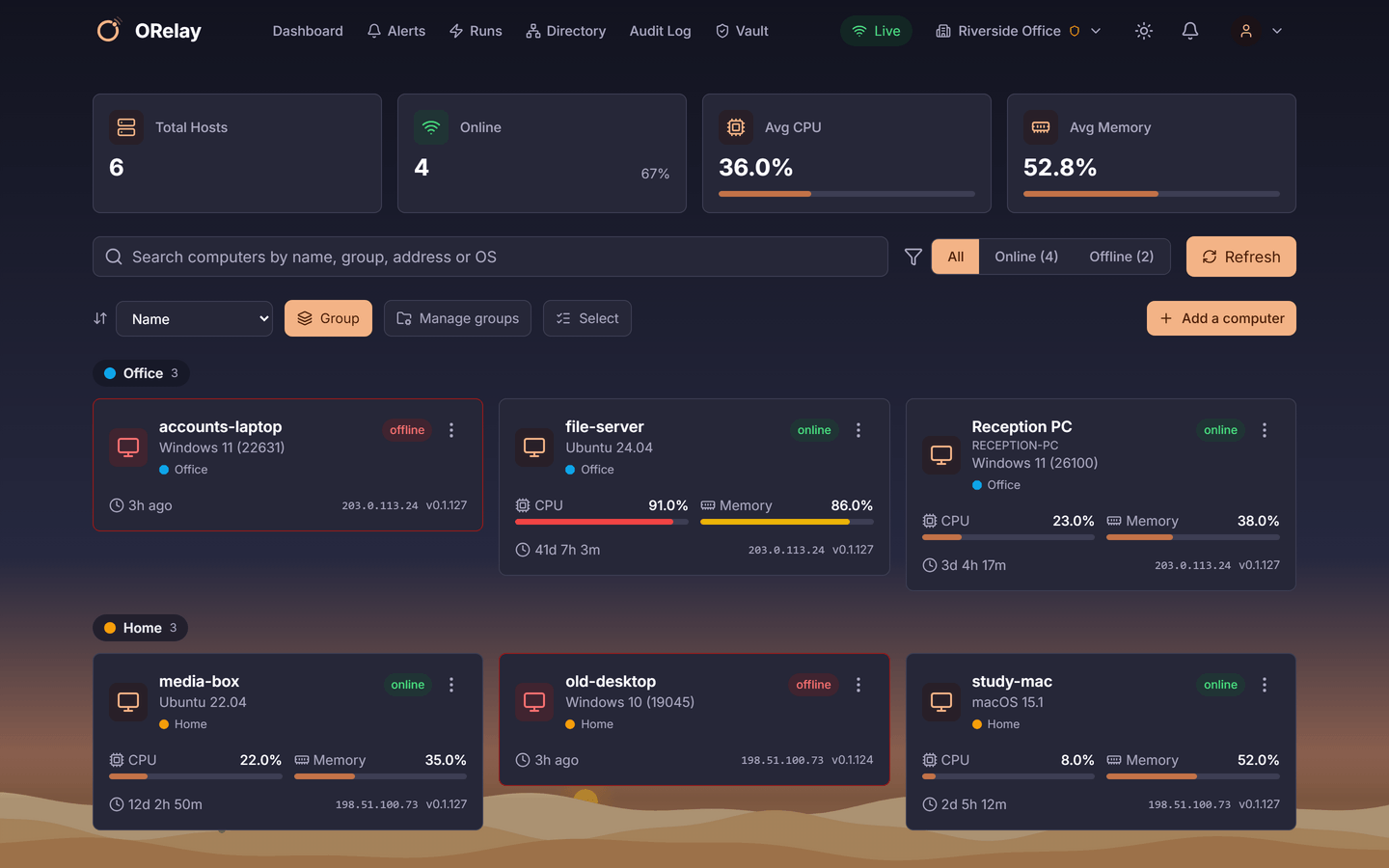
In a small business somebody “does the computers” beside their real job, or an outside tech comes in when something breaks. ORelay gives that person every computer in one list, on a phone or in a browser, with the fixes, readings and alerts that stop a small problem becoming a lost morning.
Sound familiar?
- The reception PC is crawling
- See what is using the processor and memory before anybody reboots in hope, and restart the one program that is stuck.
- The server’s disk is filling
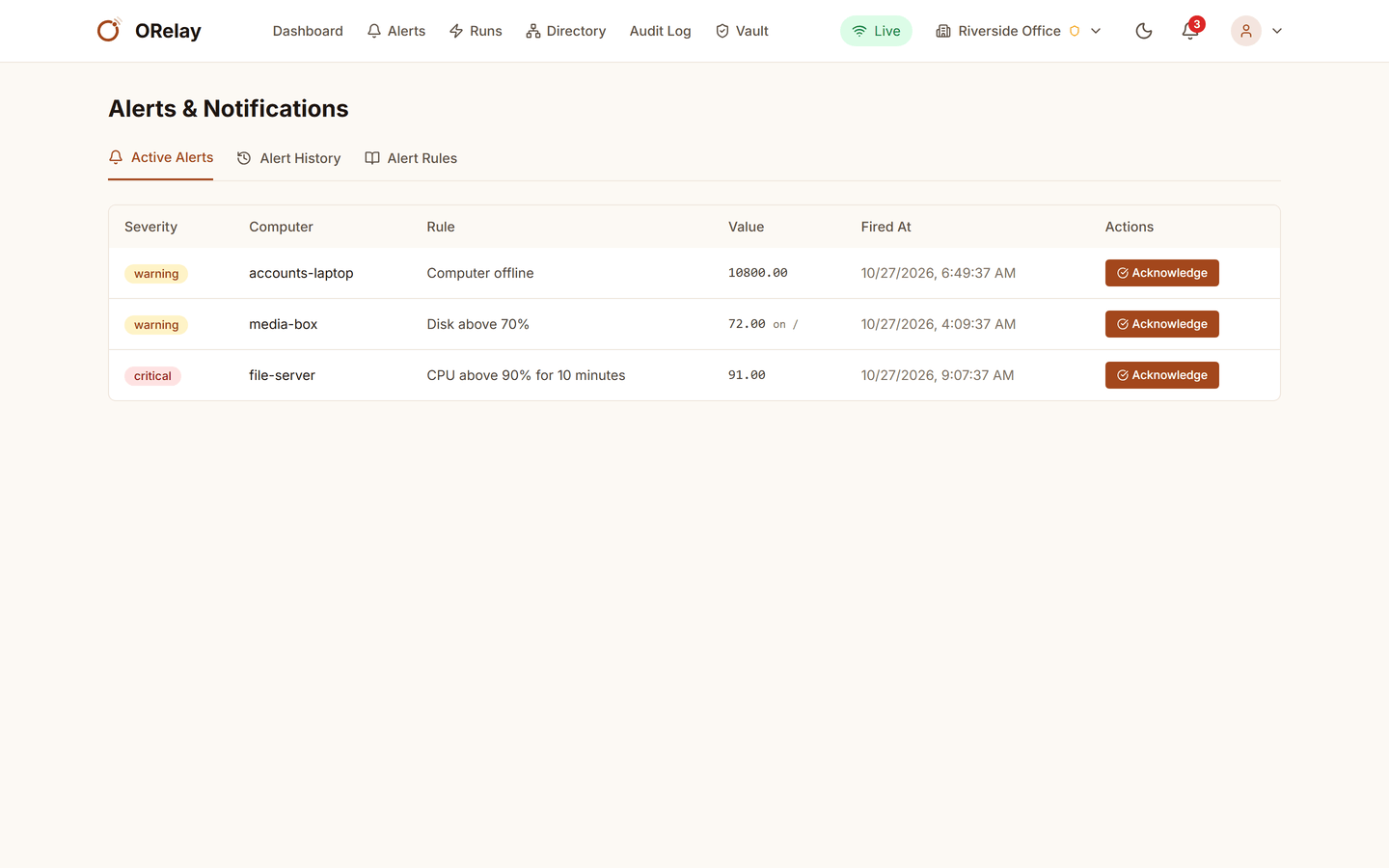
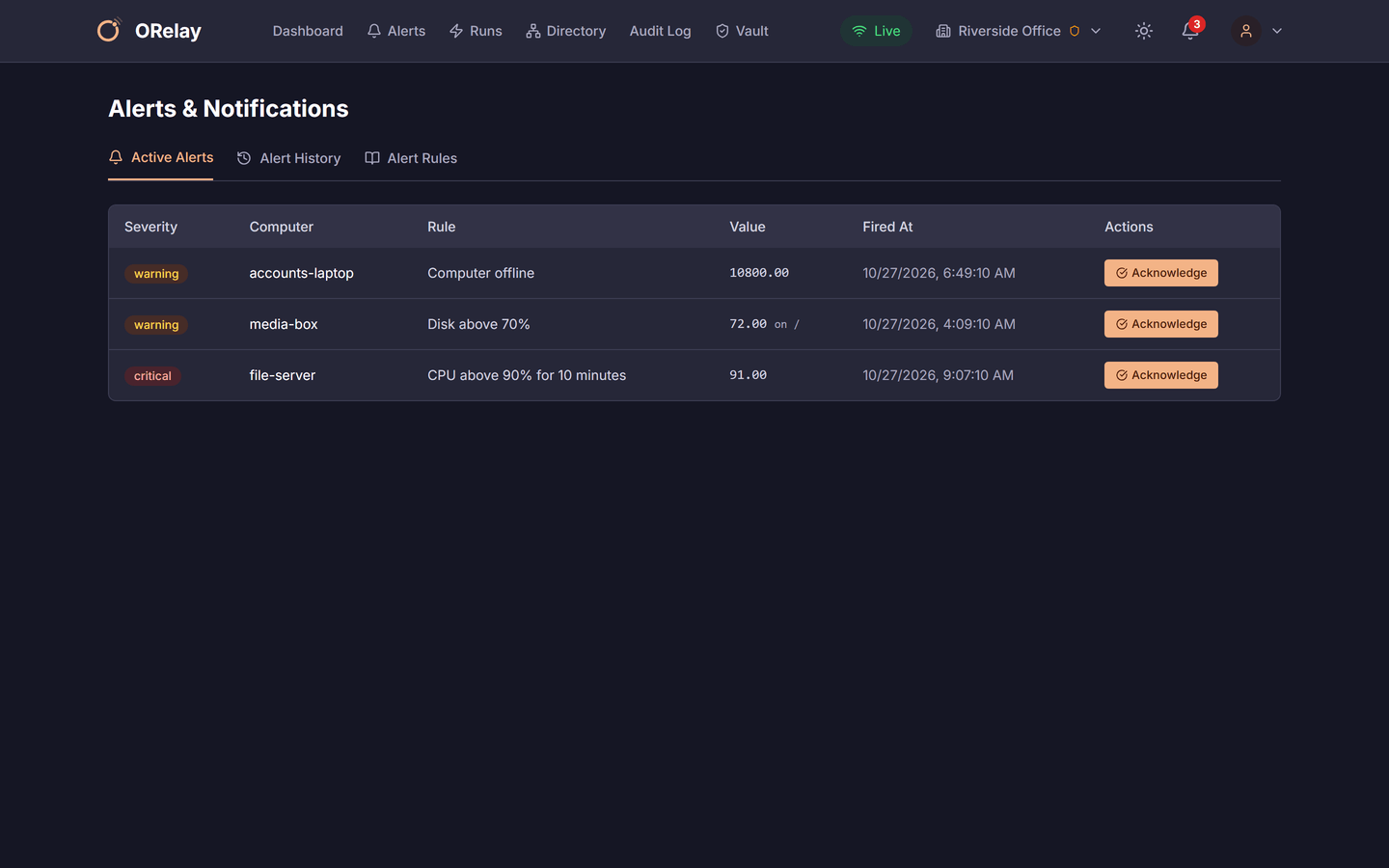
- An alert at 80% gives you a week. An alert at 95% gives you an afternoon. Pick one, and hear about it by e-mail, a webhook into your chat, or the app.
- A laptop at home needs a program
- Open its screen, install it, done. It works from the laptop’s own connection: nothing opens on your network and there is no VPN to set up.
- Everything needs a restart after hours
- Schedule the restart for an hour from now, or run the backup script every night and keep every run’s output.
How it goes
Add the computers
Run the installer on each computer and join it with a short code, or, on Pro and above, put one enrolment key in your deployment tool and let the whole office join itself. Put them in groups (Office, Home, Server) and give each a name people recognise.
Give people the right amount
You are the admin. The outside tech is support on the computers you give them and no others. The owner is a viewer: they can look, not change. A part-timer gets one computer by a code, for a week. Every remote session, command, file and power action is in the log with who did it.
Fix from wherever you are
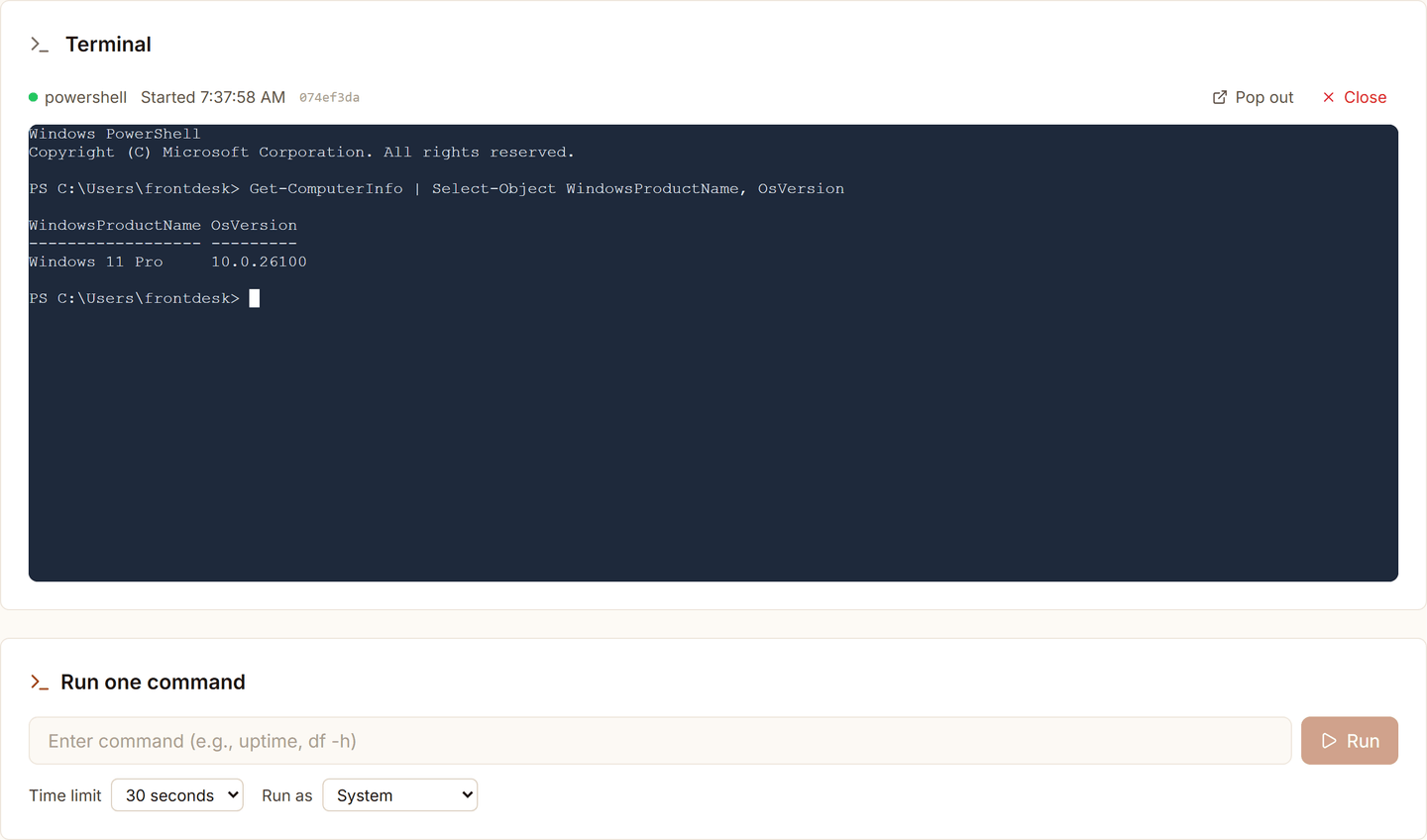
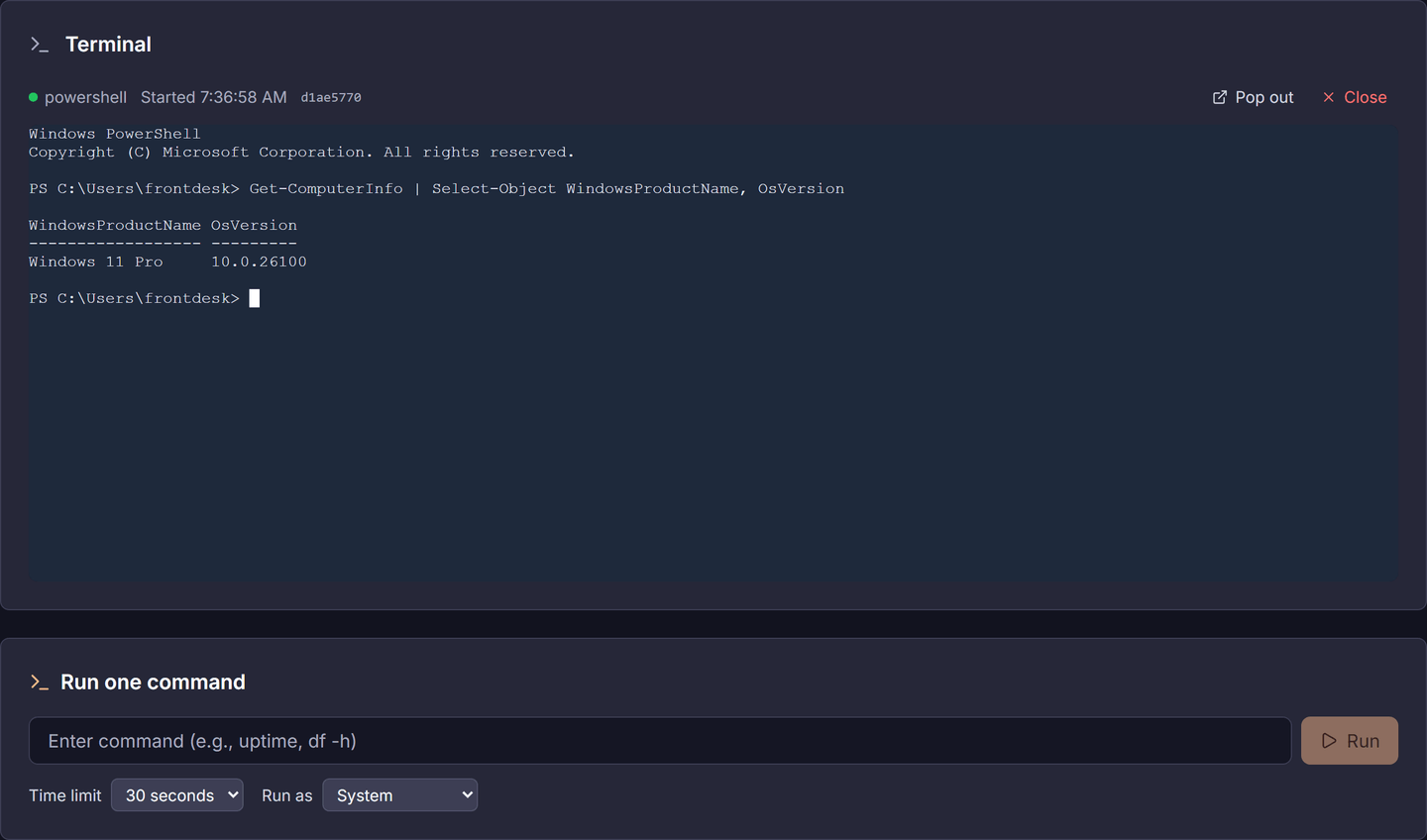
The screen, with Ctrl+Alt+Del on Windows so a locked PC is no obstacle; a terminal in the browser; one command with its output; files up and down; shut down, restart or lock now or up to an hour later. From a phone in the car park or a browser at home.
Let it watch while you work
Alerts on any reading or on a computer going quiet; scheduled tasks on a timer or a cron schedule, with every run’s output kept; and the list of every installed program on every computer, exported to a spreadsheet when the accountant or the insurer asks.


What it costs
Pro is $20 a month, or $200 a year, for 50 computers and 3 people.
Up to 5 computers is free with no time limit. An IT firm looking after several businesses wants MSP: $150 a month for 10 people and unlimited computers, with Active Directory and company sign-in.
What it is not
- It is not patch management or antivirus. ORelay is the way you see every computer and act on it; Windows Update and your security product keep doing their jobs.
- It is not a help desk or a billing system. If you run an IT business on tickets and invoices, look at the Atera comparison.
- A computer that is off is off: ORelay tells you so, and a scheduled restart waits until it is back.
- On Linux desktops under Wayland, the person at the computer approves the first screen session in the desktop’s own prompt.
Using something else today? How ORelay compares with TeamViewer, NinjaOne and Atera.
Helping the family with their computers · Everything ORelay does